The to-do list that smiles back.
Chitly is a to-do app for iPhone, for your own lists and the ones you share with a team. It works offline, in ten languages.
Tick them off.
Type it the way you’d say it.
Call the plumbertomorrowDayat 9Time#homeList!Urgent
Saved as: Call the plumber, tomorrow at 09:00, in Home, urgent
No date picker to open. Chitly reads the line while you type: tomorrow, ertaga or завтра sets the day, “at 9” the time, #name the list, and ! makes it urgent.
It also knows today, tonight, weekday names and times like 9:30 or 9pm, in all ten languages. The same line works with Siri.
Four tabs. That’s the whole app.
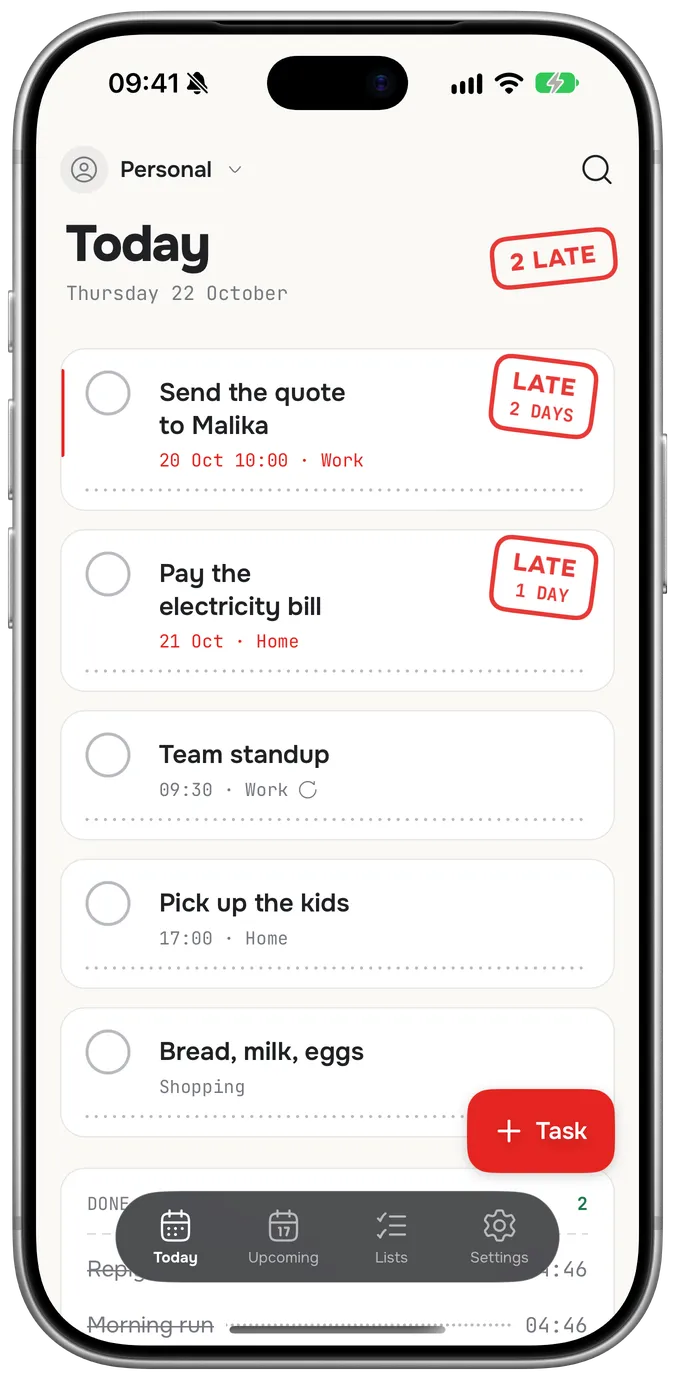
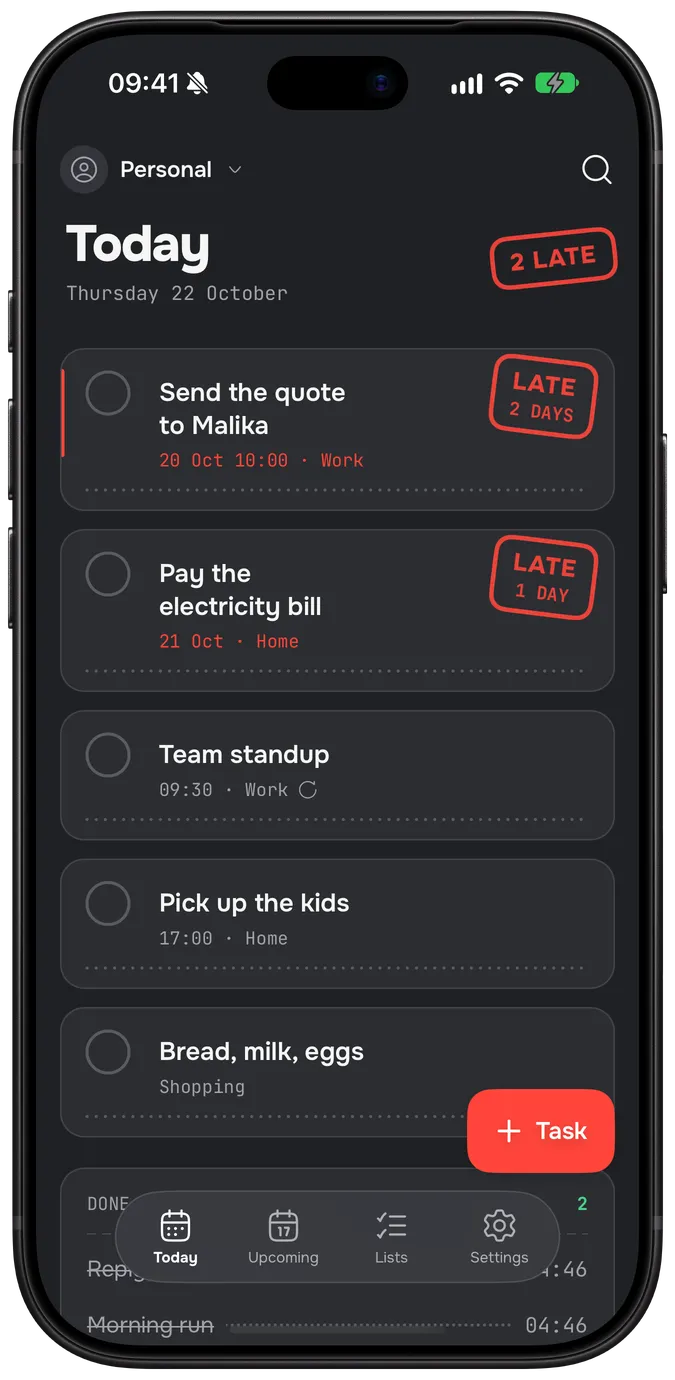
Today
What’s due today and anything late, with what you finished today at the bottom.
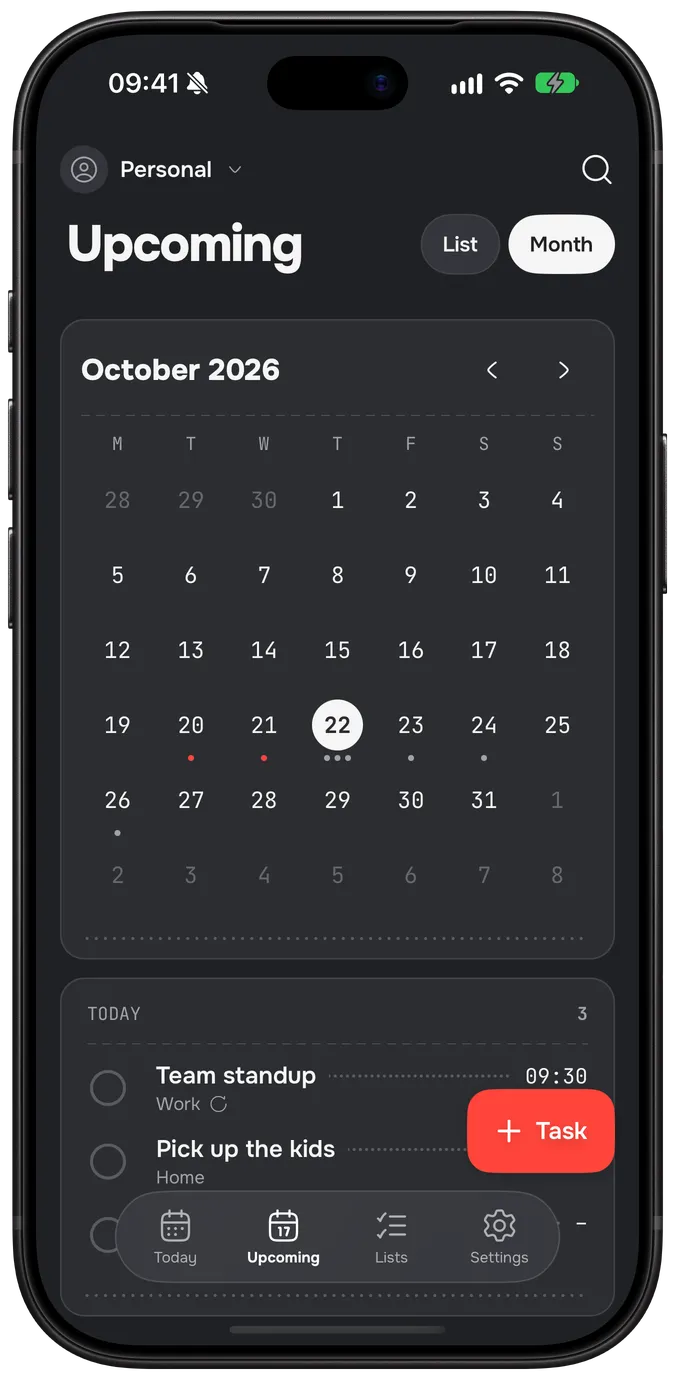
Upcoming
Everything with a day, as a list or as a month. Tap a date to see what’s on it.
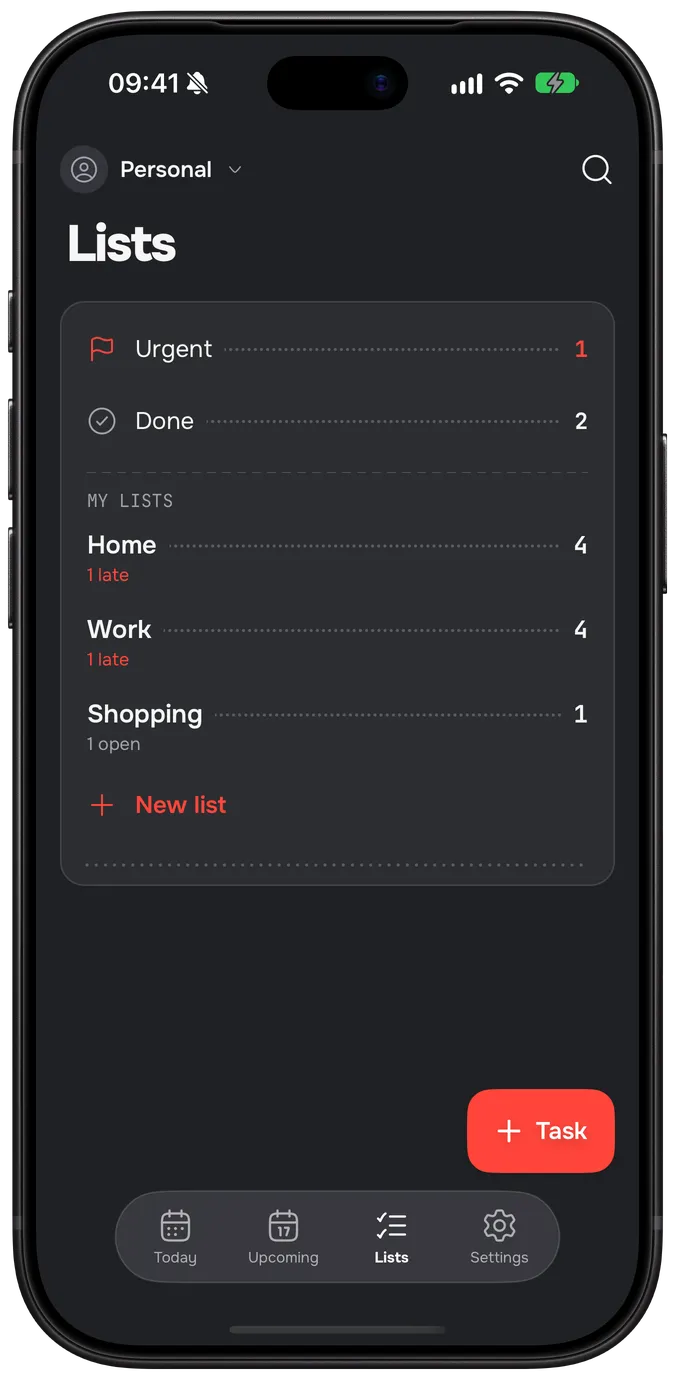
Lists
Your lists and your teams’. Two smart views gather what’s Urgent and what’s Done; old lists go to the archive, not the bin.
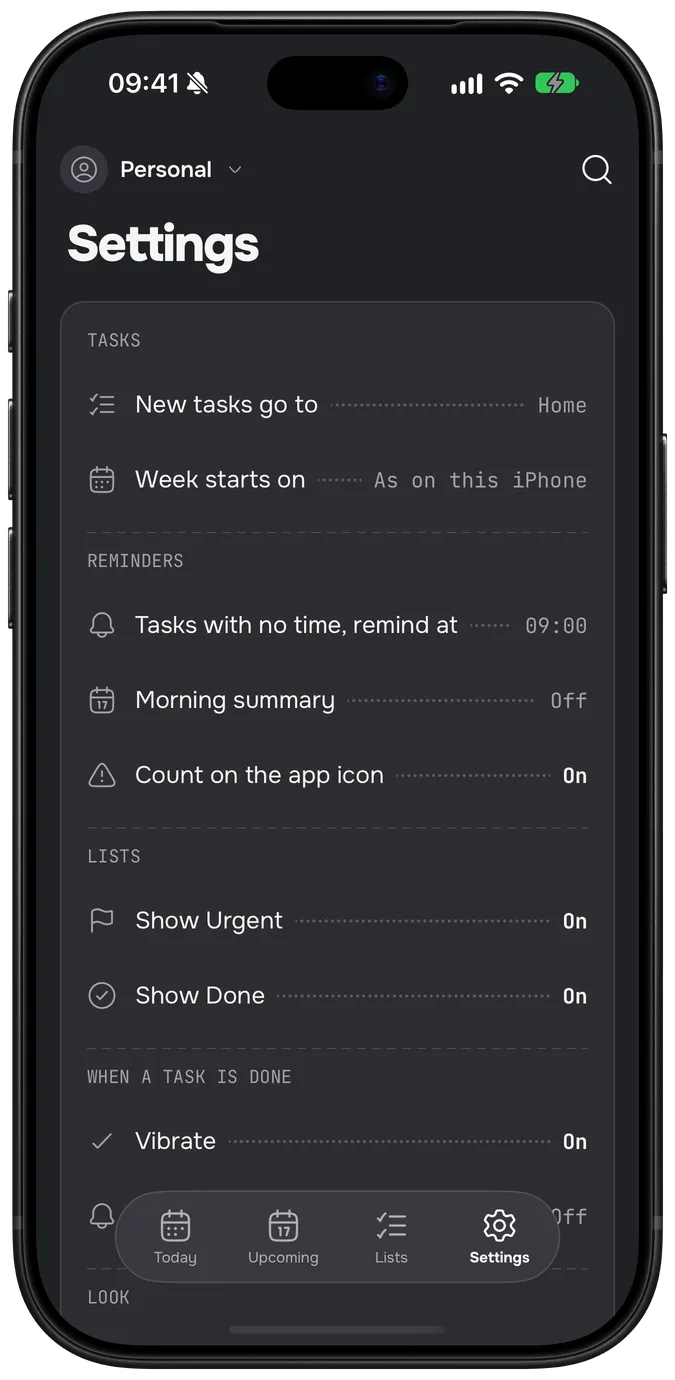
Settings
Your account, reminders, the morning summary, the app lock and export.
 Today
Today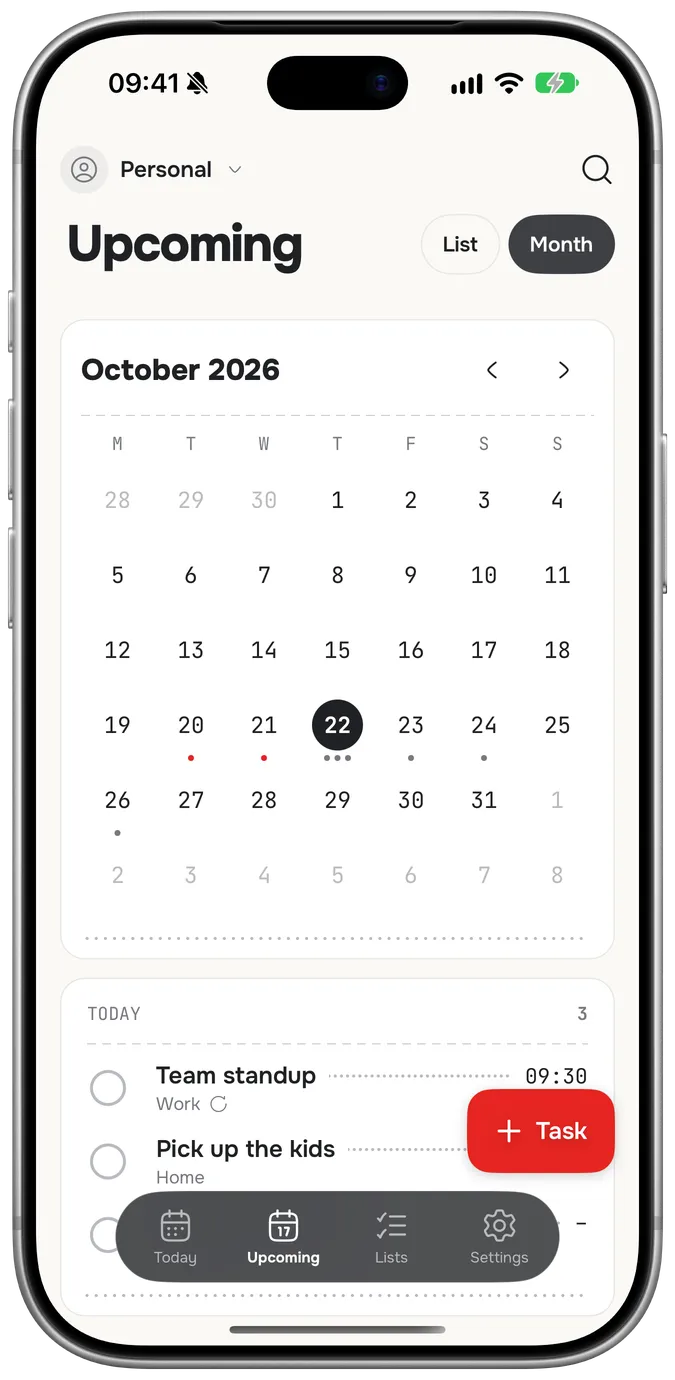
 Upcoming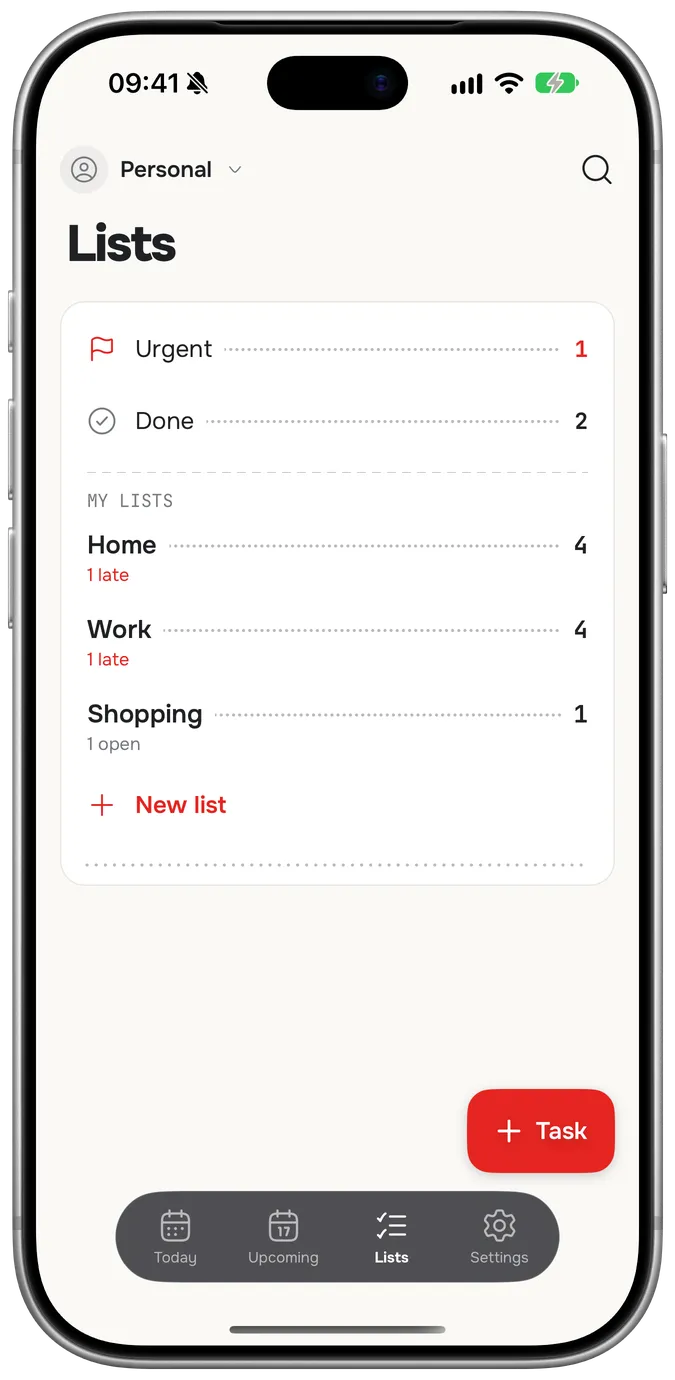
 Lists
Lists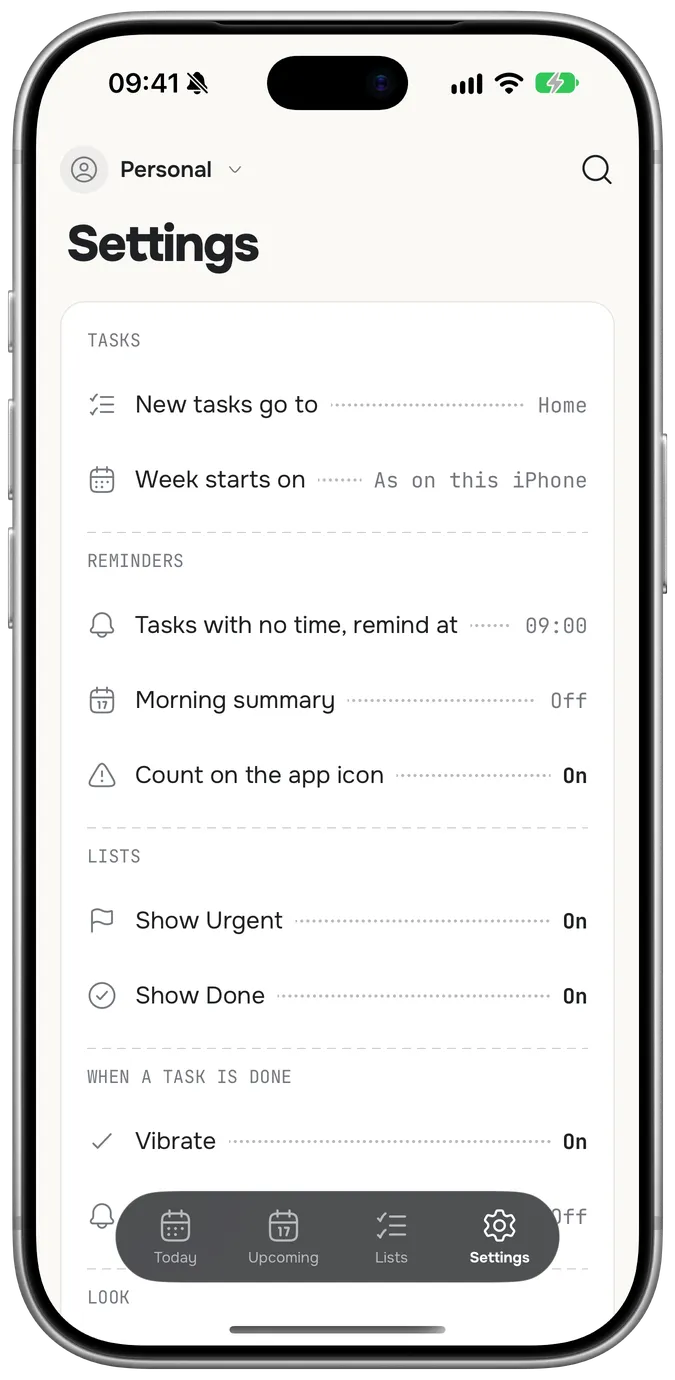
 Settings
Inside a task.
Get the flat ready for guests
Steps, 2 of 4 done
- Clean the bathroom
- Buy flowers
- Change the sheets
- Cook plov
- Reminder at 10:00
- 1 photo: the shopping list
- Steps
- Break a task into steps and tick them one at a time. The task shows how many are done.
- Repeats
- Every day, on weekdays, every week or every month. Finish one and the next one is waiting.
- Reminders
- At the task’s time, or at an hour you pick for tasks that have a day but no time.
- Morning summary
- One notification at the hour you choose: what’s due today and what’s late.
- Attachments
- Photos, videos and files, made smaller before they’re kept: photos to 2048 px, videos to 720p, files up to 50 MB. They’re for work in progress, so they leave 24 hours after the task is done.
Lists you share.
Make a team for the family, the shop or the office. Invite people with a code, give each task to the person who should do it, and see what everyone did in the Inbox.
Malika
Owner
Aziz
Admin
You
Member
K7QM-2XPA
An invite code looks like this. It works for 7 days.
The owner and admins invite people and look after the team; only the owner changes roles. Everyone adds, takes and finishes tasks.
Inbox
A tab of its own once you’re in a team: who added, finished or handed over what, newest first.
- Malika finished “Order the paint”
- Aziz gave you “Ask for the March numbers”
- Malika added “Book the van for Friday”
No account needed.
Chitly works on your iPhone from the first tap, with no sign-up and no signal. Sign in with Apple or Google only when you want your lists on another device, or a team.
Without an account
Everything stays on this iPhone. Nothing is sent anywhere.
With an account
Lists sync between your devices and with your teams. Changes made offline go up when you’re back online. Delete the account in Settings and it’s gone from the server and the phone.
Where your iPhone already looks.
Say it to Siri
- “Add a task in Chitly”
- “What’s due today in Chitly”
- Widgets
- Today’s tasks on the Home Screen and the Lock Screen. Tick them right there.
- Spotlight
- iPhone search finds your open tasks and opens them.
- App lock
- A 4-digit PIN or Face ID. With the lock on, search finds nothing of Chitly’s.
- Export
- Every list, task and step as CSV for a spreadsheet, or as JSON.
- Ten languages
- English, Uzbek, Russian, German, French, Spanish, Italian, Dutch, Polish and Portuguese: the app, and the words it understands.